Work and case studies

The work is shown through what changed, not through generic feature grids.

Each case study includes screenshots, a before and after view, practical outcomes, and a short note from delivery.

Each case study is controlled through the locale content system, including screenshots, outcomes, and supporting notes.

Current media blocks can be replaced with real screenshots or short clips later without changing the components.

Restaurants and daily operations

Order platform for a restaurant operating across multiple branches

We moved requests into one clearer flow instead of scattered WhatsApp messages and calls, with a simple dashboard for the staff.

Before the build, orders came through multiple channels with no shared screen, which slowed down follow-up and created repeated internal communication.

Web application + admin dashboard + order workflow

  • Built one order view for all branches
  • Organized status transitions
  • Surfaced the most important data for the staff
First release
3 weeks
Order review time
-60%
Tracking sources
One screen

Before

  • Orders arrived from separate channels
  • No shared state screen
  • Old messages had to be reviewed manually

After

  • One order list for the team
  • Clear state for each order
  • Faster follow-up within the branches

The first thing we fixed was not the visual layer. It was the staff question: where do I see the current state now?

Implementation note
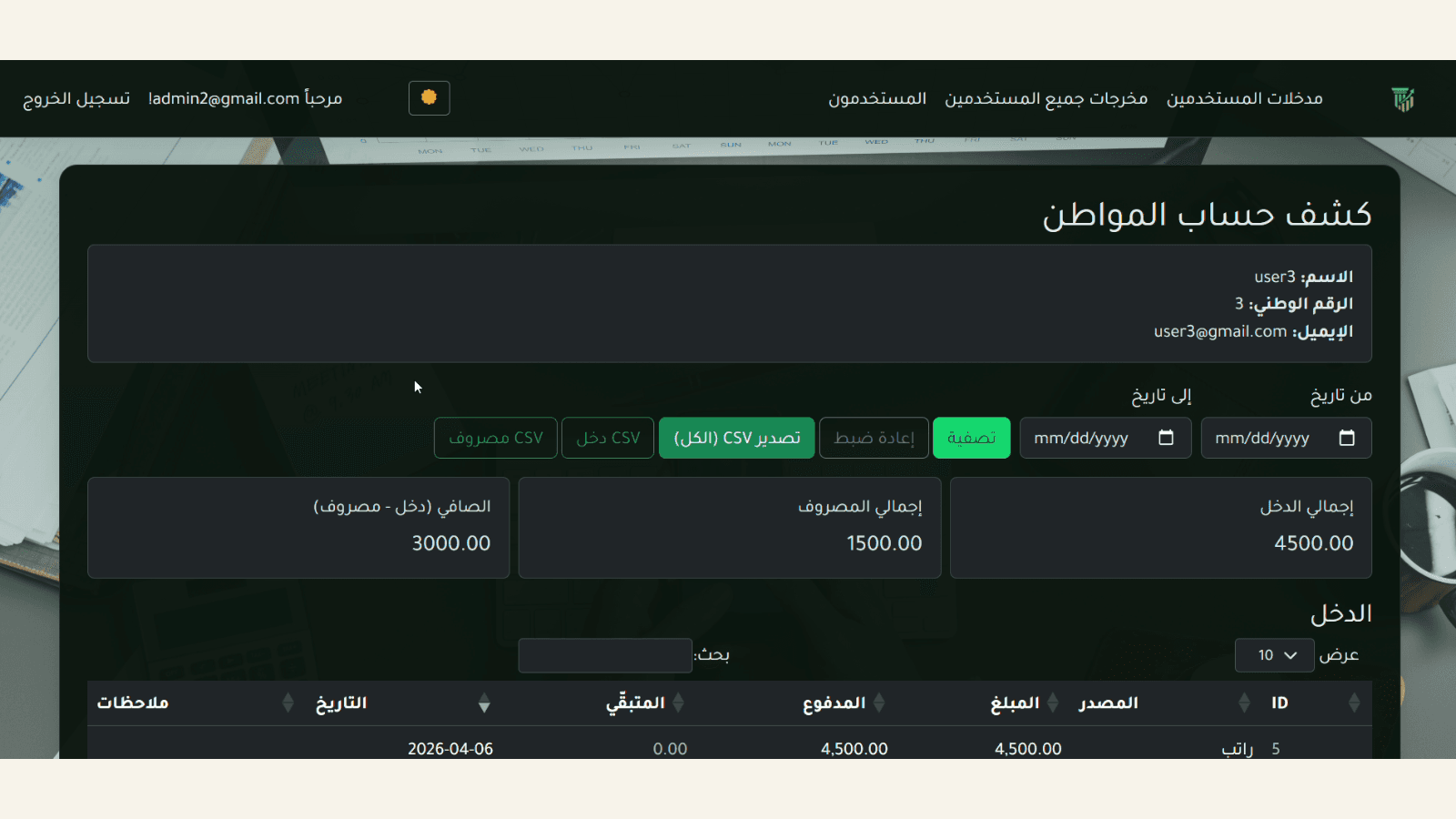
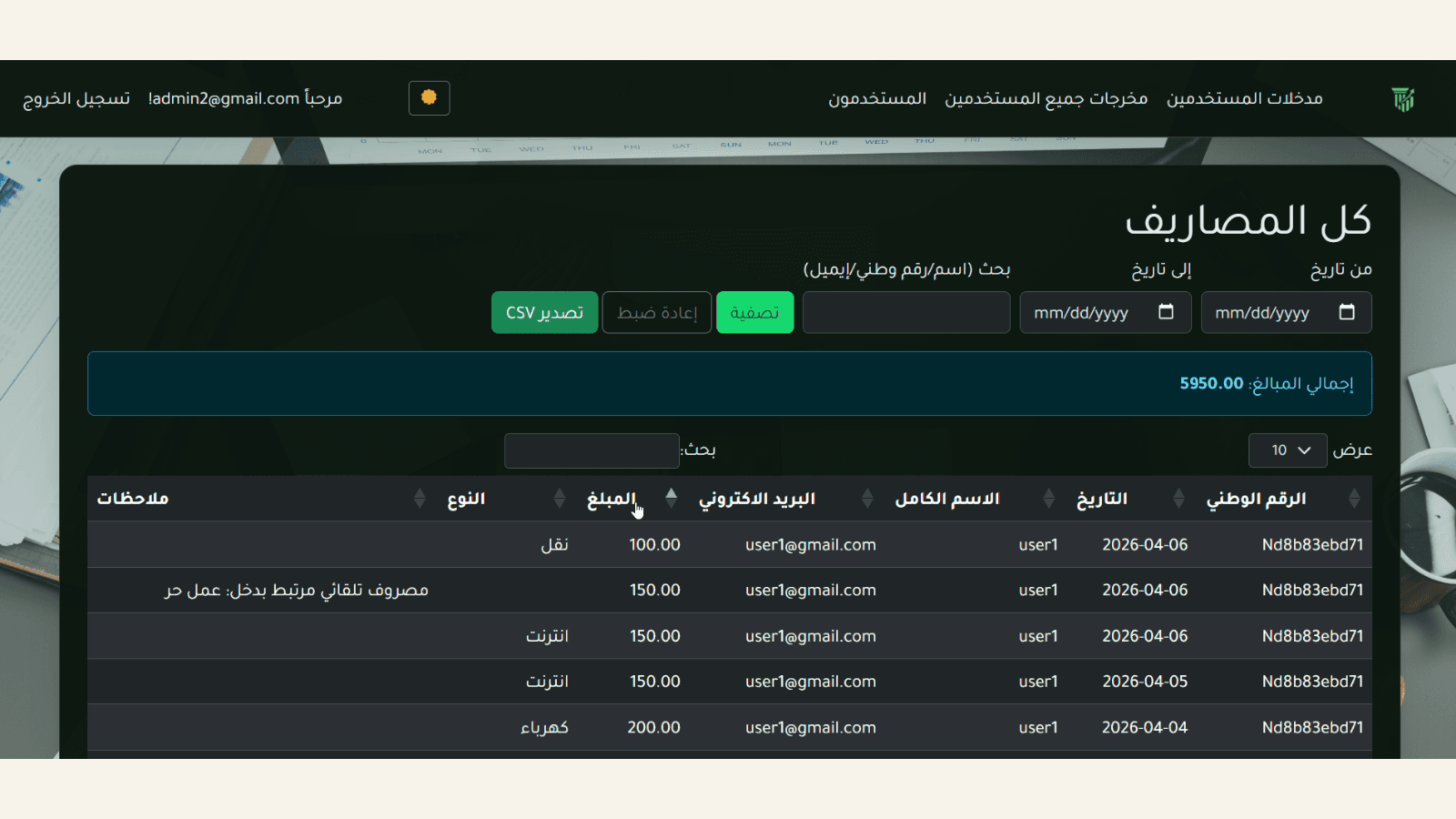
Screenshot of order operations interface
Main operations view for requests and statuses.
Screenshot of order details view
Order details and key customer data in one view.
Poster placeholder for a short product demo

Reserved slot for a short demo clip

A 20 to 40 second clip can show how an order moves through its main states inside the system.

00:28

Local services

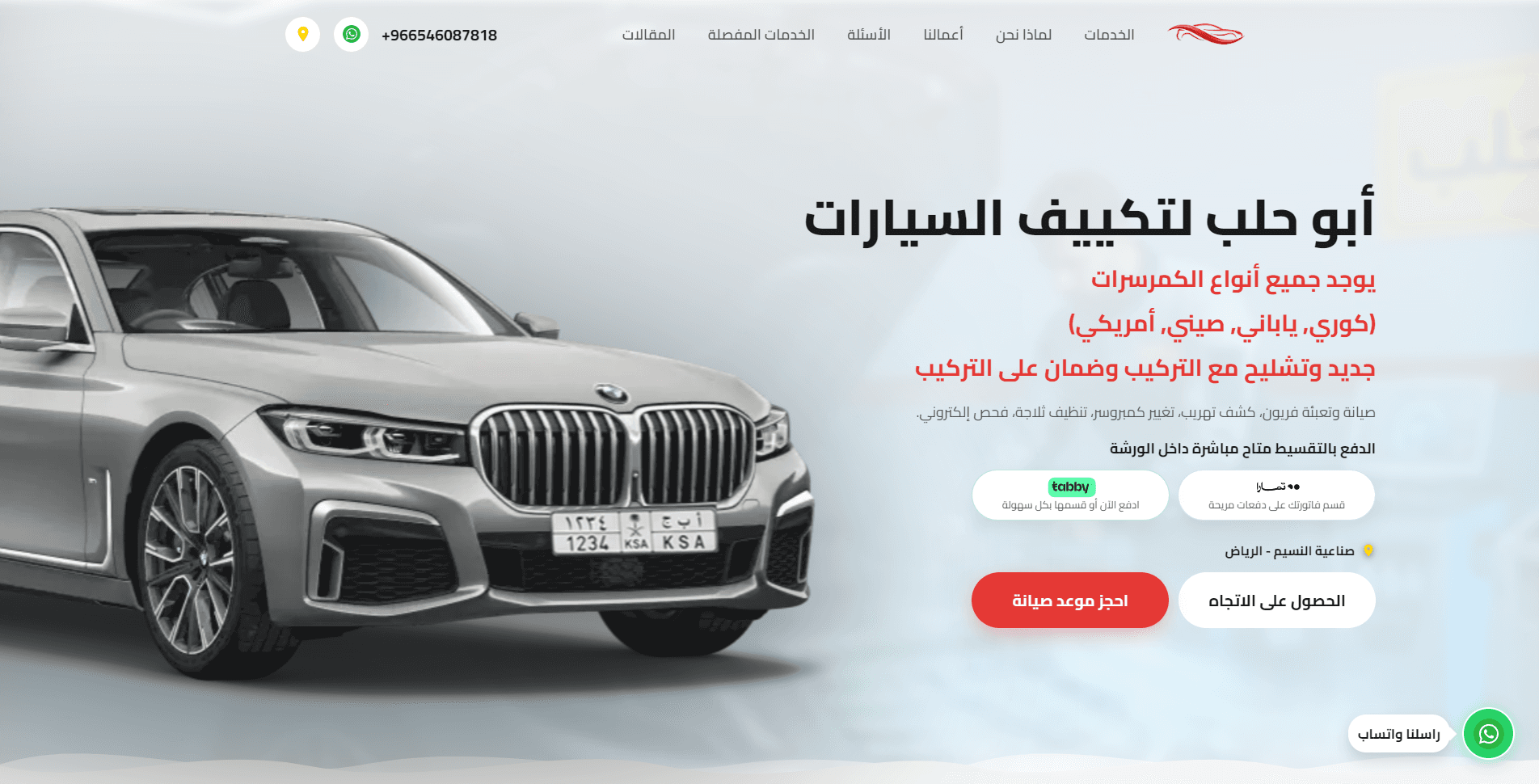
Service website redesign for a maintenance business

We reorganized the website so visitors can understand the service faster and reach the inquiry step with less friction.

The previous site felt broad and unclear. Visitors had to jump through too many pages before understanding the offer or how to get in touch.

Business website + service pages + inquiry structure

  • Rebuilt the content hierarchy
  • Created a visible before and after structure
  • Added a more direct inquiry path
Core pages
12 to 6
Delivery time
2 weeks
Inquiry path
Simplified

Before

  • Service message was too broad
  • Too many pages with weak sequencing
  • Visitors could not see the contact path quickly

After

  • One clear headline for the core service
  • Shorter page structure that helps decision making
  • Practical inquiry form and direct contact routes

For smaller service businesses, clarity is usually more important than adding more sections.

Why this kind of work matters
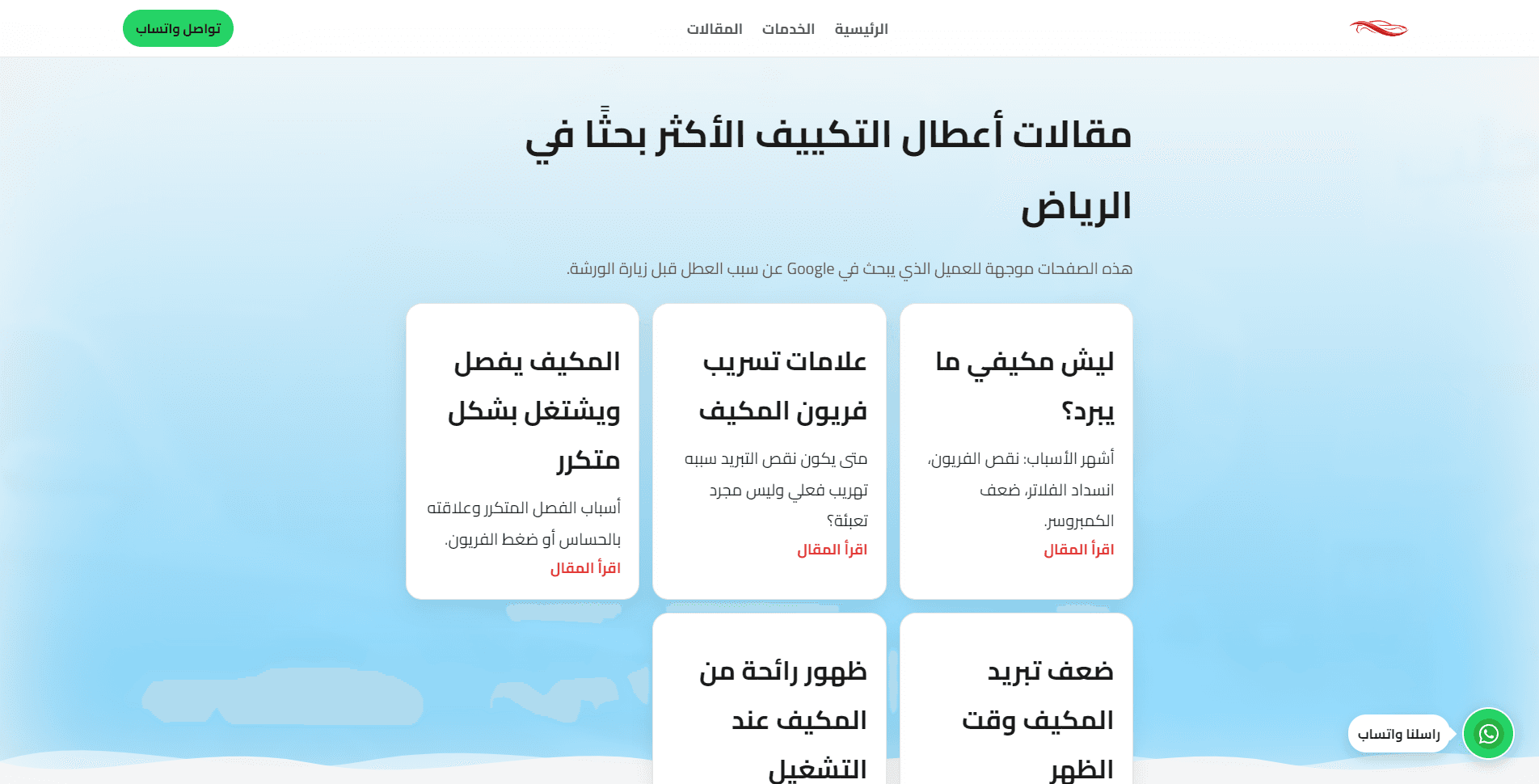
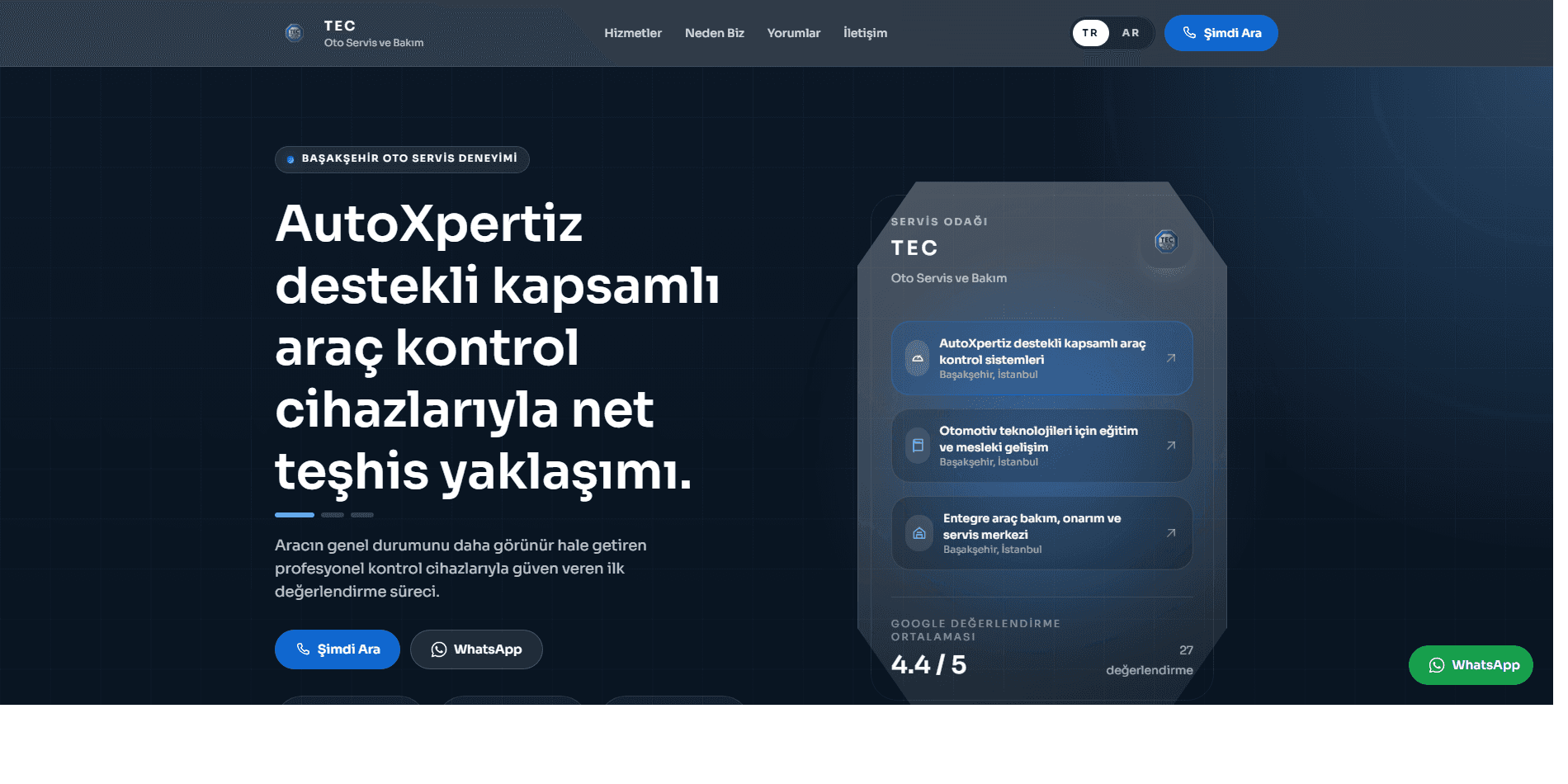
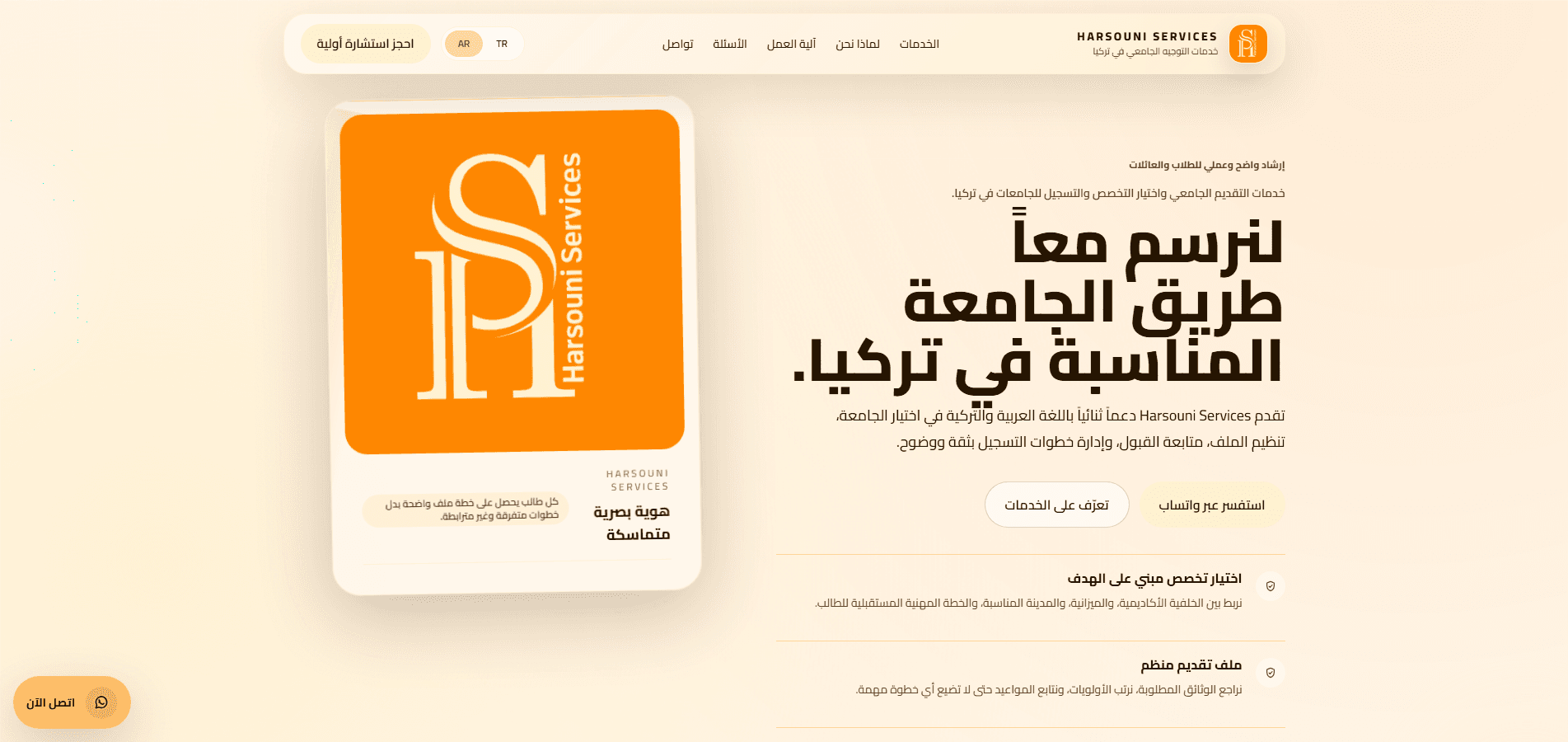
Website structure before redesign
Before: scattered messaging and weak hierarchy.
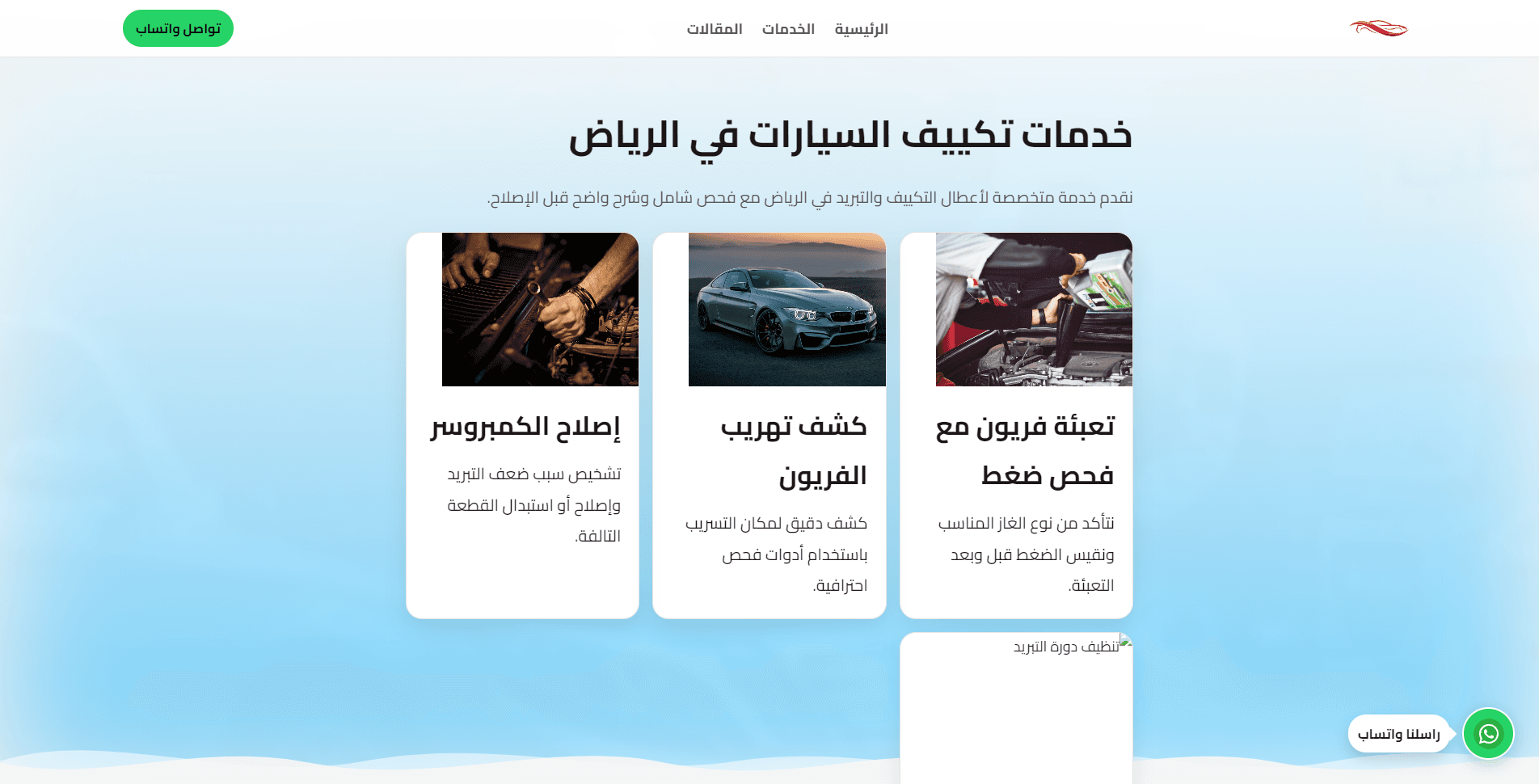
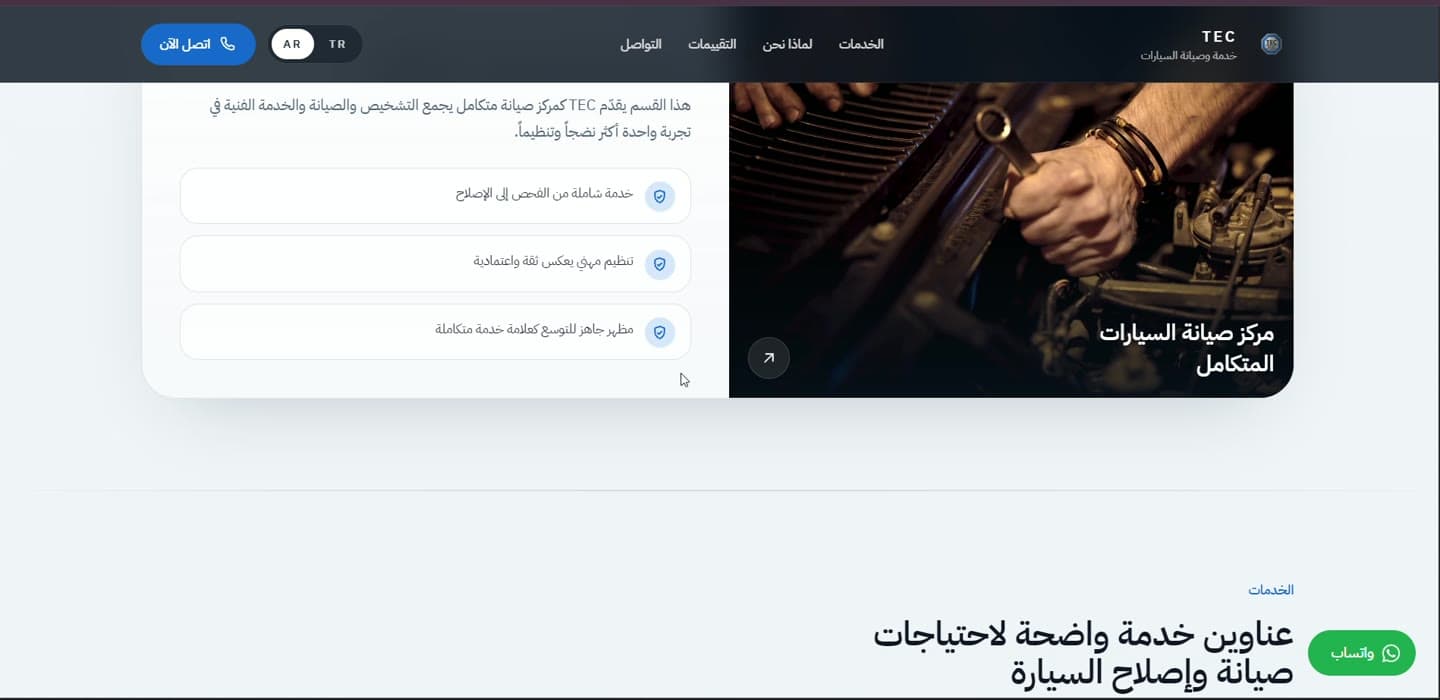
Website structure after redesign
After: clearer service positioning and contact path.
Poster placeholder for a browsing walkthrough

Reserved slot for a browsing walkthrough

A short clip can show the path from the homepage to the service page and inquiry form.

00:24

Internal operations and distribution

Laravel API and internal dashboard for a distribution workflow

We cleaned up the data layer and the operational interface so the team could track requests, inventory, and statuses with more confidence.

The previous process relied on separate files and manual checking, making it hard to know which status was current.

Laravel backend + API + internal operations dashboard

  • Mapped the main entities in the workflow
  • Built clearer endpoints
  • Created a dashboard that surfaces high-priority states
Repeated data entry
-40%
Current state source
One system
Phase one delivery
4 weeks

Before

  • Separate files and sheets
  • Heavy manual review
  • Unclear source of truth

After

  • Clearer data source
  • Structured API for interfaces and integrations
  • An operations view that shows what needs attention

Instead of starting from the interface, we first decided which entity was the true source inside the system.

Technical review note
Screenshot of API data flow view
Data flow and integration points in a clearer structure.
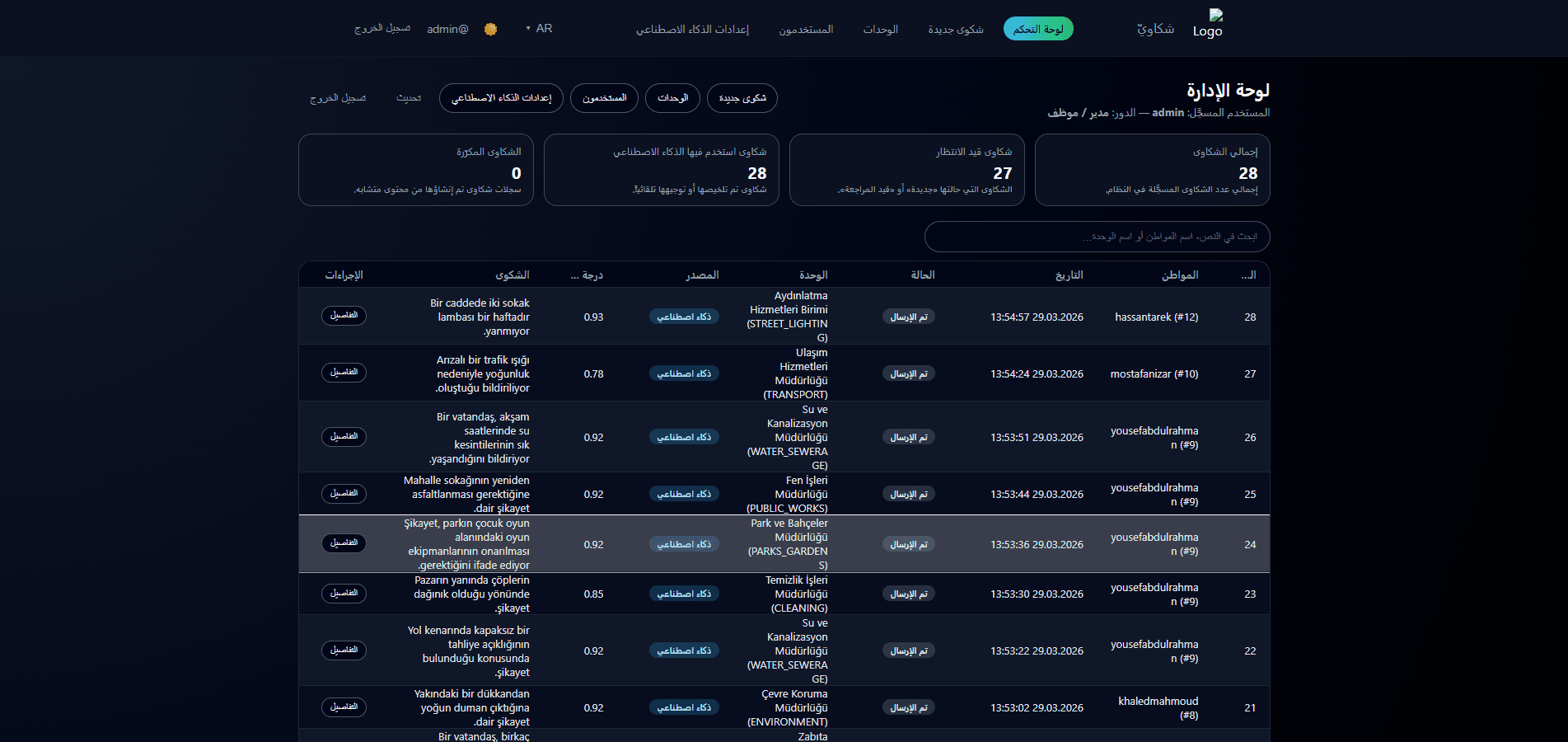
Screenshot of internal dashboard view
Internal dashboard showing cases that need review.
Poster placeholder for operations flow demo

Reserved slot for an operations flow clip

A short clip can explain how data moves through the API and how the team reviews states inside the dashboard.

00:34